Creating discourse relationships
To create a relationship between discourse nodes:
-
Open a note that you want to create a relationship from
-
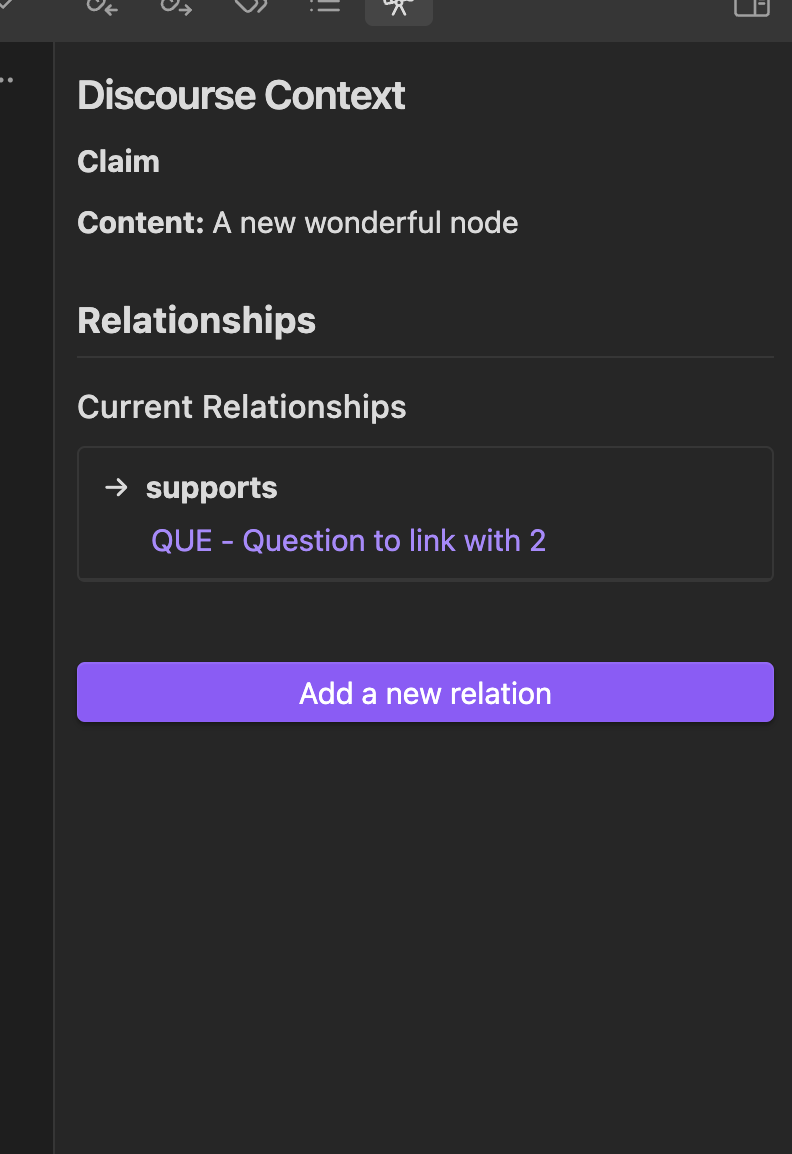
Open the discourse context by clicking the telescope icon on the left bar
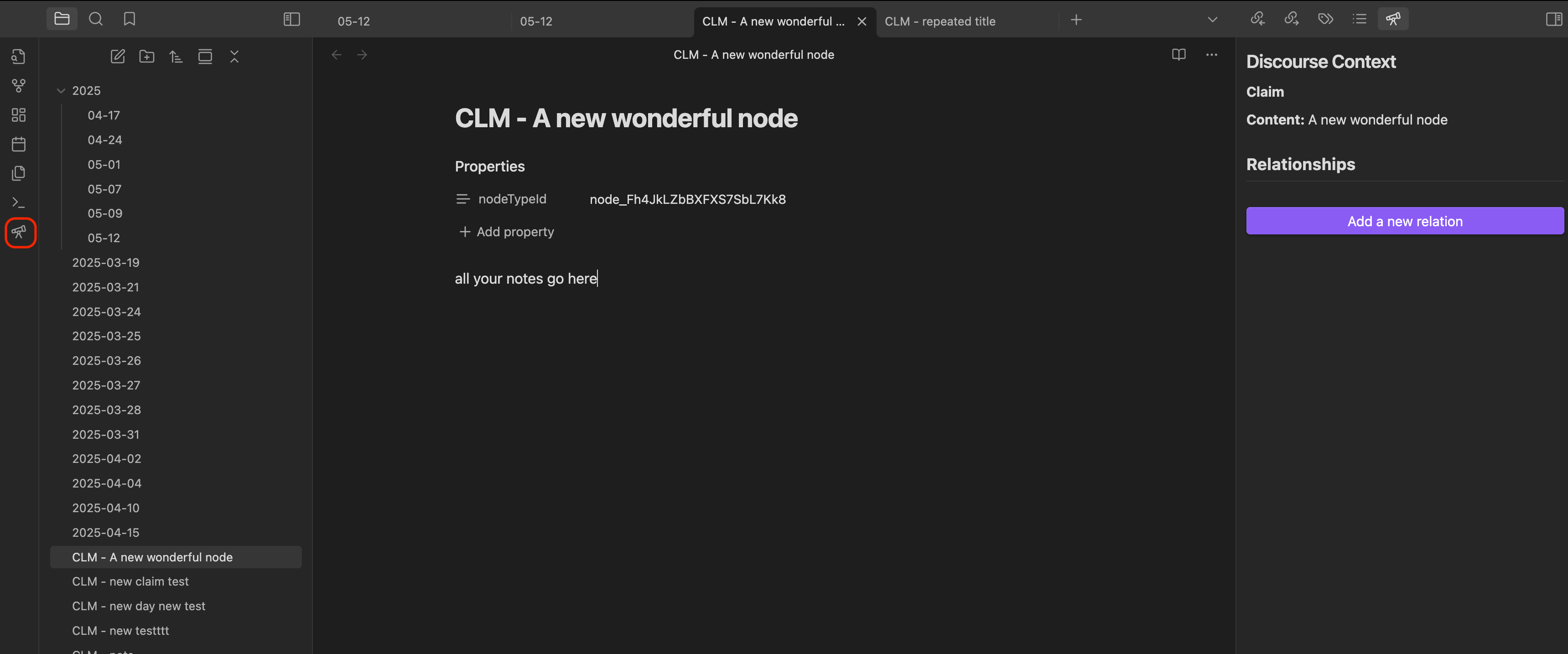
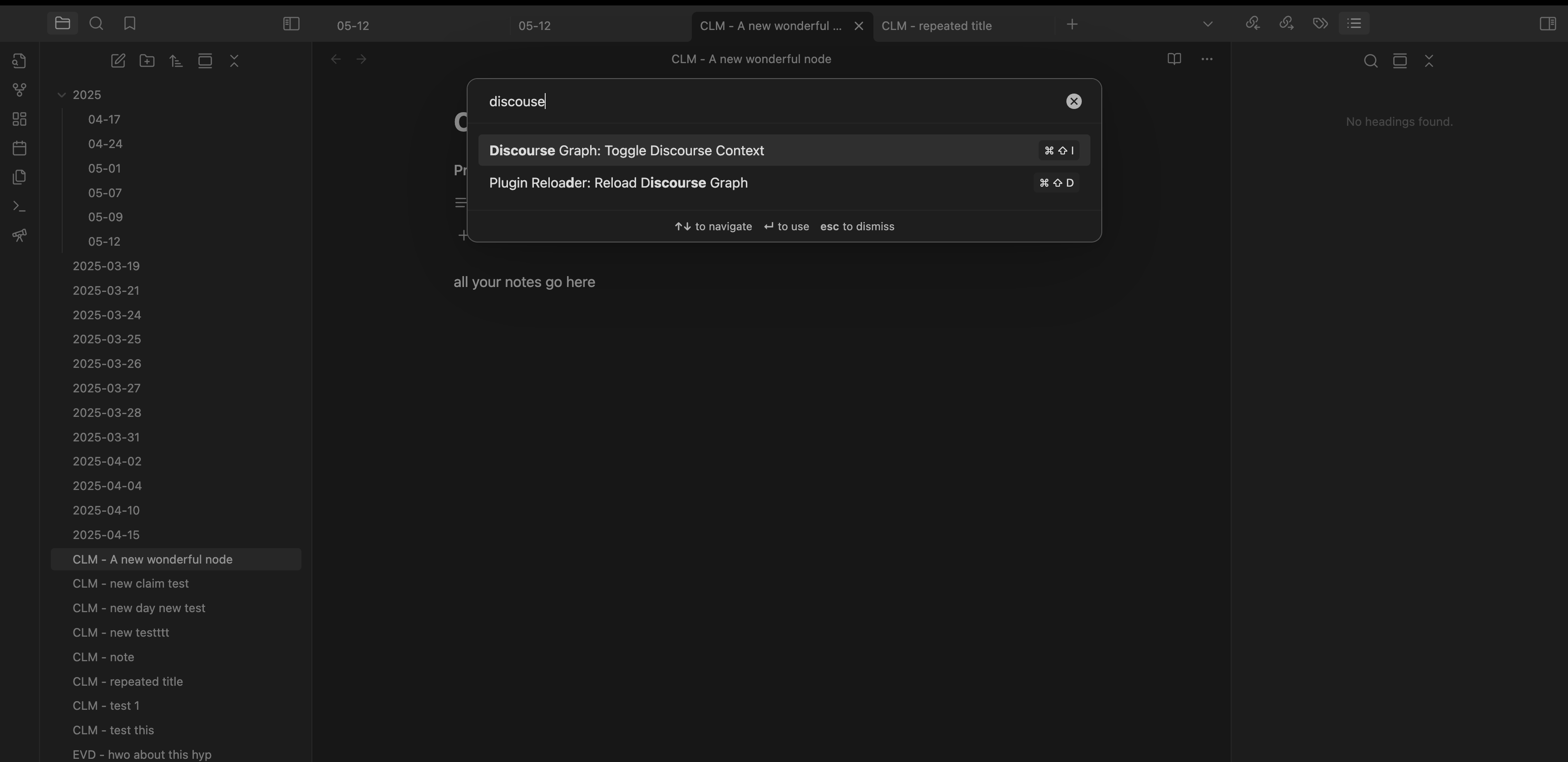
Alternatively, you can:
- Set a hotkey to toggle the discourse context view
- Access it via the Command Palette
-
Click “Add a new relation”
-
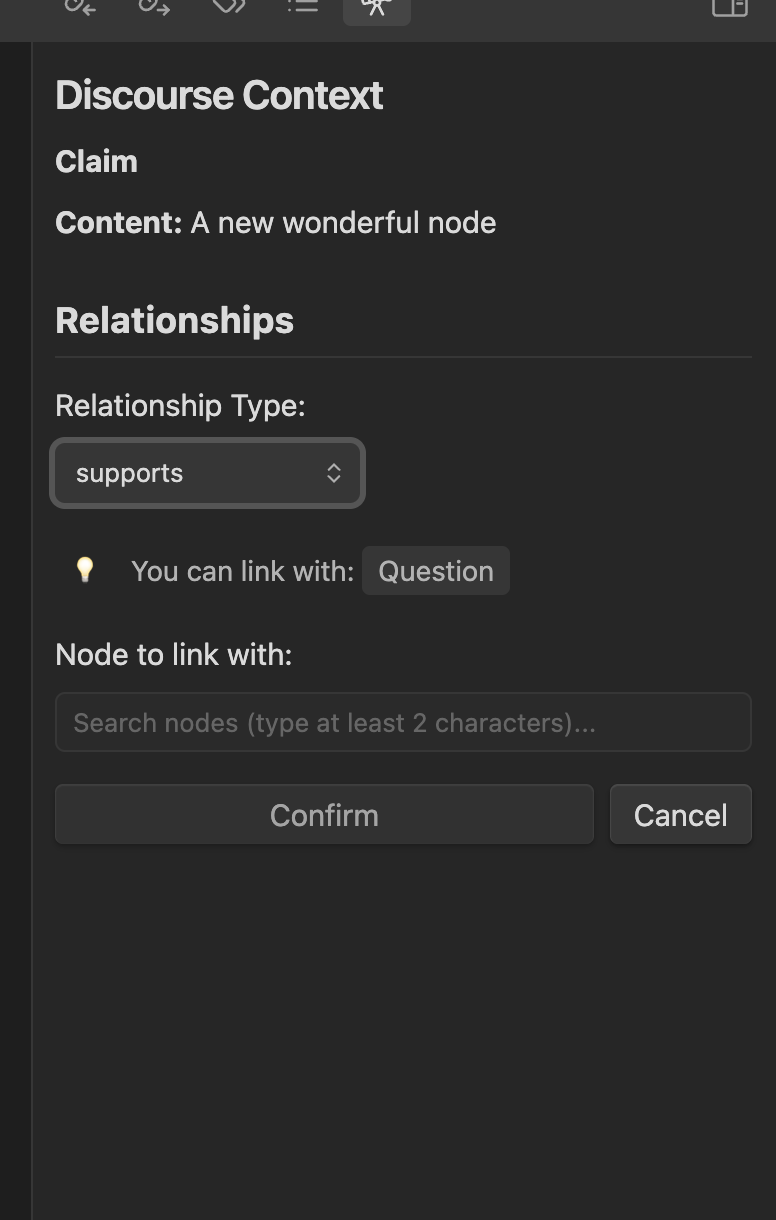
Choose a relationship type from the dropdown. The dropdown shows all available relations that you have defined in the settings, and indicates what node types you can link with.
-
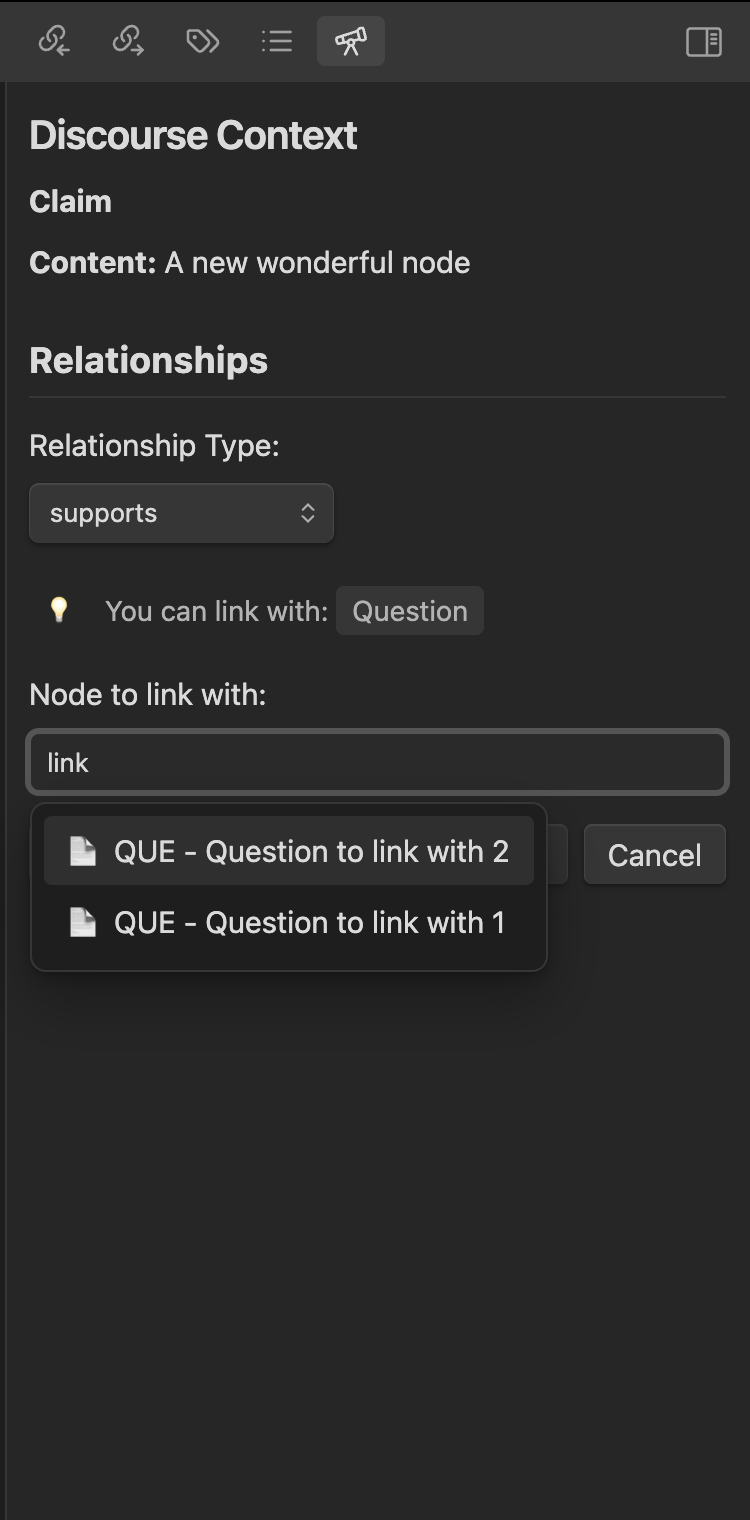
Search for the target node by its title
-
Click “Confirm” to create the relationship
Relate a node as you create it
You do not always have to add relationships by hand. When you create a node from a note that is already a discourse node, the Create discourse node modal offers a Relationship with “…” dropdown, pre-filled with a relationship between the two node types — for example an EVD node created from inside a SRC note. Confirm to create both at once, or choose No relation to skip it.
See Relate a new node to the note you created it from.